Adobe Photoshop
Adobe Photoshop is the raster graphics editor from Adobe for photo retouching and image editing. Version 2026 27.10 installs as a trial on Windows.
2.4 MB
2022.2607.1.0 · Microsoft Corporation · Page updated
Windows Camera is Microsoft's free built-in app for taking photos, recording video and scanning documents and QR codes with a PC or tablet camera.
Average 0.0 · ratings: 0
Thank you! Your rating is saved; you can change it. Could not save the rating. Please try again later. Too many ratings from your network today. Please try again tomorrow. The average appears after 5 ratings.
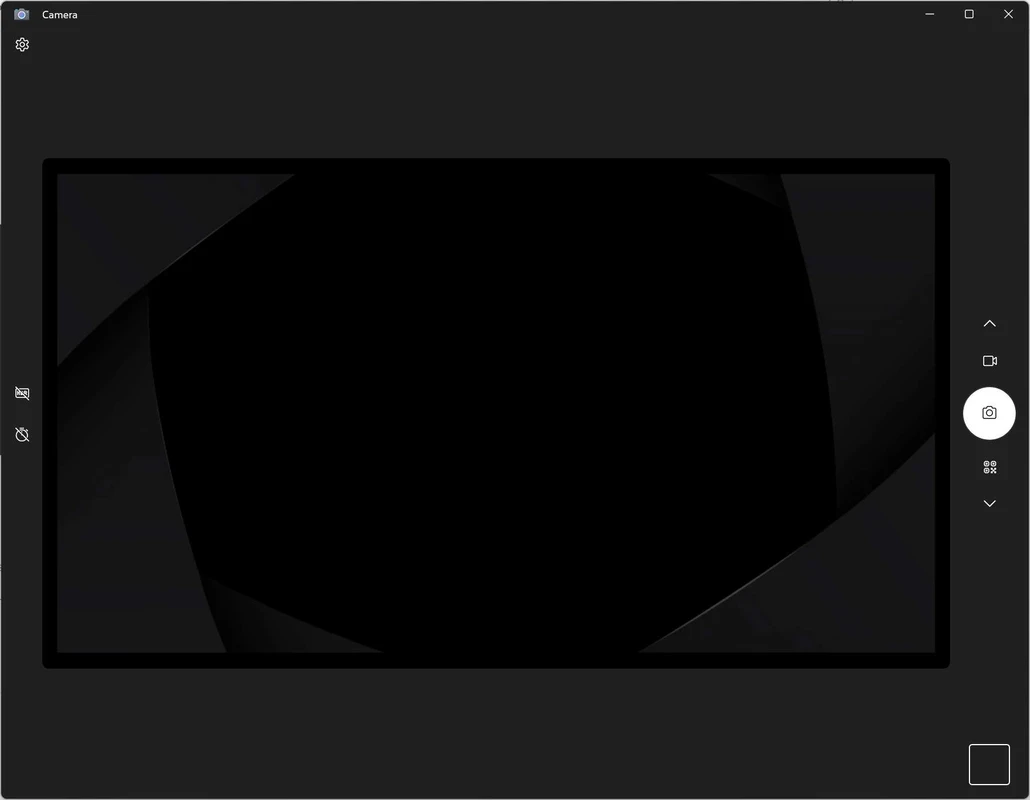
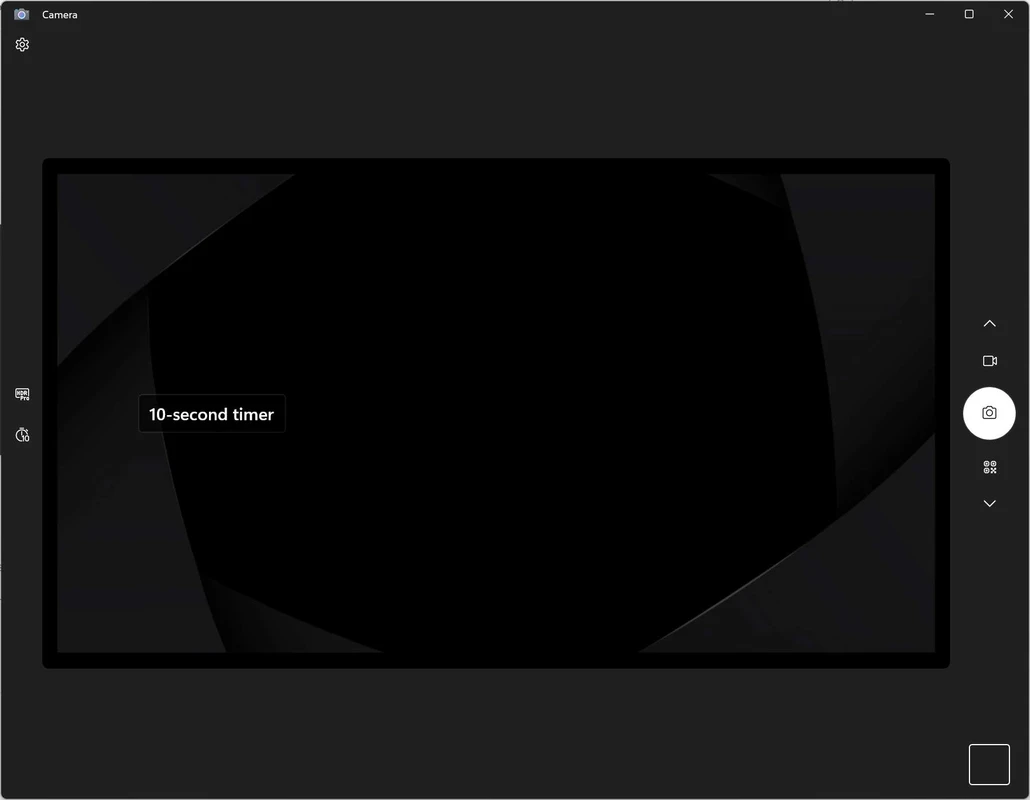
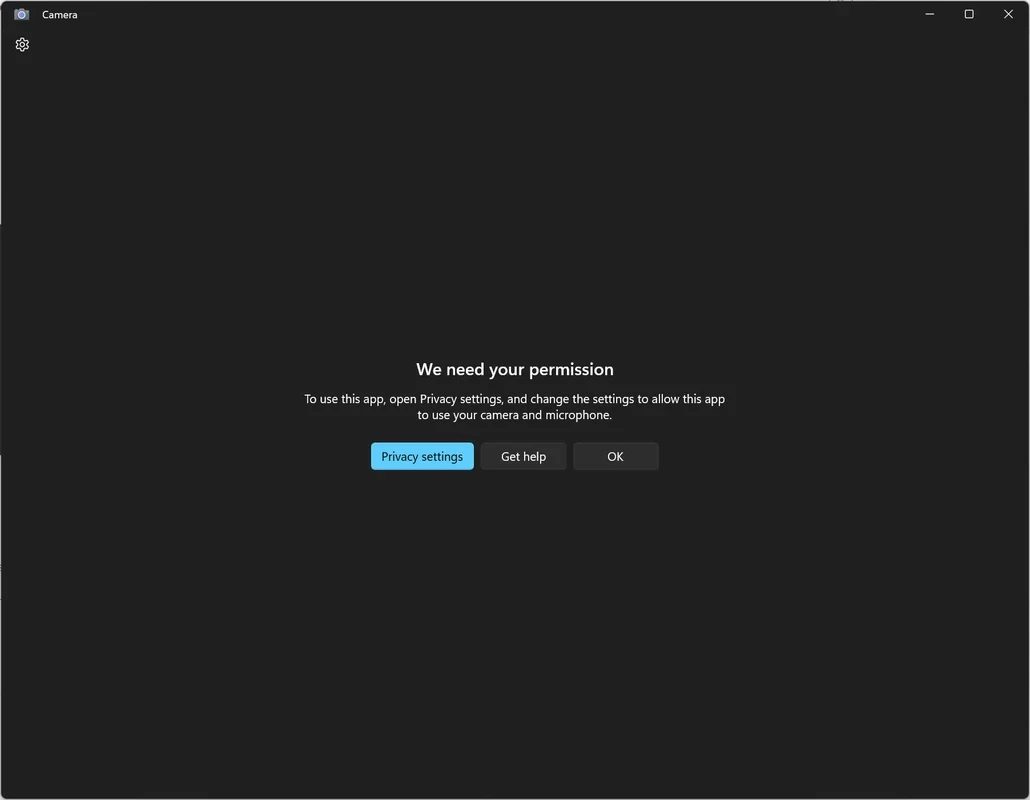
Windows Camera 2022.2607.1.0 is Microsoft's free camera app for Windows, used to take photos, record video and scan documents with a laptop, tablet or external webcam. It usually comes preinstalled, and you can download Windows Camera again from the Microsoft Store if it was removed.
Windows Camera is the simplest way to use the camera of a Windows device. It suits people who just want to check how they look before a video call, test whether a new webcam works, snap a quick photo or record a short clip without installing anything extra. Students and office workers use its document mode to photograph pages or a whiteboard: the app detects the edges, straightens the image and saves a clean scan. Its QR code and barcode scanner is handy on tablets and 2-in-1 devices. On PCs with several cameras, such as a front and a rear camera on a Surface, the app switches between them with one button. For more demanding tasks it quickly hits limits: there are no overlays, no streaming, no scene switching and only basic manual settings. People who stream, record tutorials or want to use a phone as a webcam will need other software. The app is built as a Universal Windows Platform app and runs on x86-64 and ARM devices.
Changes to test versions are listed in the Camera release notes for Windows Insiders.
Windows Camera is part of current Windows and needs a working built-in or USB camera with an up-to-date driver. On Windows 11, the system itself requires a compatible 64-bit processor and DirectX 12 graphics, as listed in Windows 11 requirements. The app package is about 24.33 MB according to catalogue data.
The app is free and comes from Microsoft, so there is no reason to look for it elsewhere. Windows shows a camera indicator and lets you control which apps can use the camera in privacy settings; review that list from time to time.
For recording and streaming with overlays, OBS Studio is on our site. iVCam, DroidCam and Iriun Webcam turn a phone into a better webcam, and Snipping Tool captures the screen rather than the camera.
Adobe Photoshop is the raster graphics editor from Adobe for photo retouching and image editing. Version 2026 27.10 installs as a trial on Windows.
Adobe Illustrator Online refers to using Adobe's vector design tool through the browser and Adobe's web services, with an Adobe account and plan.
Adobe Illustrator is Adobe's vector graphics editor for logos, illustrations and print design. This page covers Illustrator CC 2026, version 30.8, for Windows.

PicWish is an AI photo editing app for Windows that removes backgrounds, cleans up images and prepares product photos with a few clicks.

PixelLab is an Android app from App Holdings for adding text, stickers and effects to photos; on a Windows PC it runs through an Android emulator.
Adobe Photoshop CS6 is an older perpetual-licence version of Adobe's image editor for Windows; Adobe no longer sells or updates it, and today's Photoshop is subscription-based.